
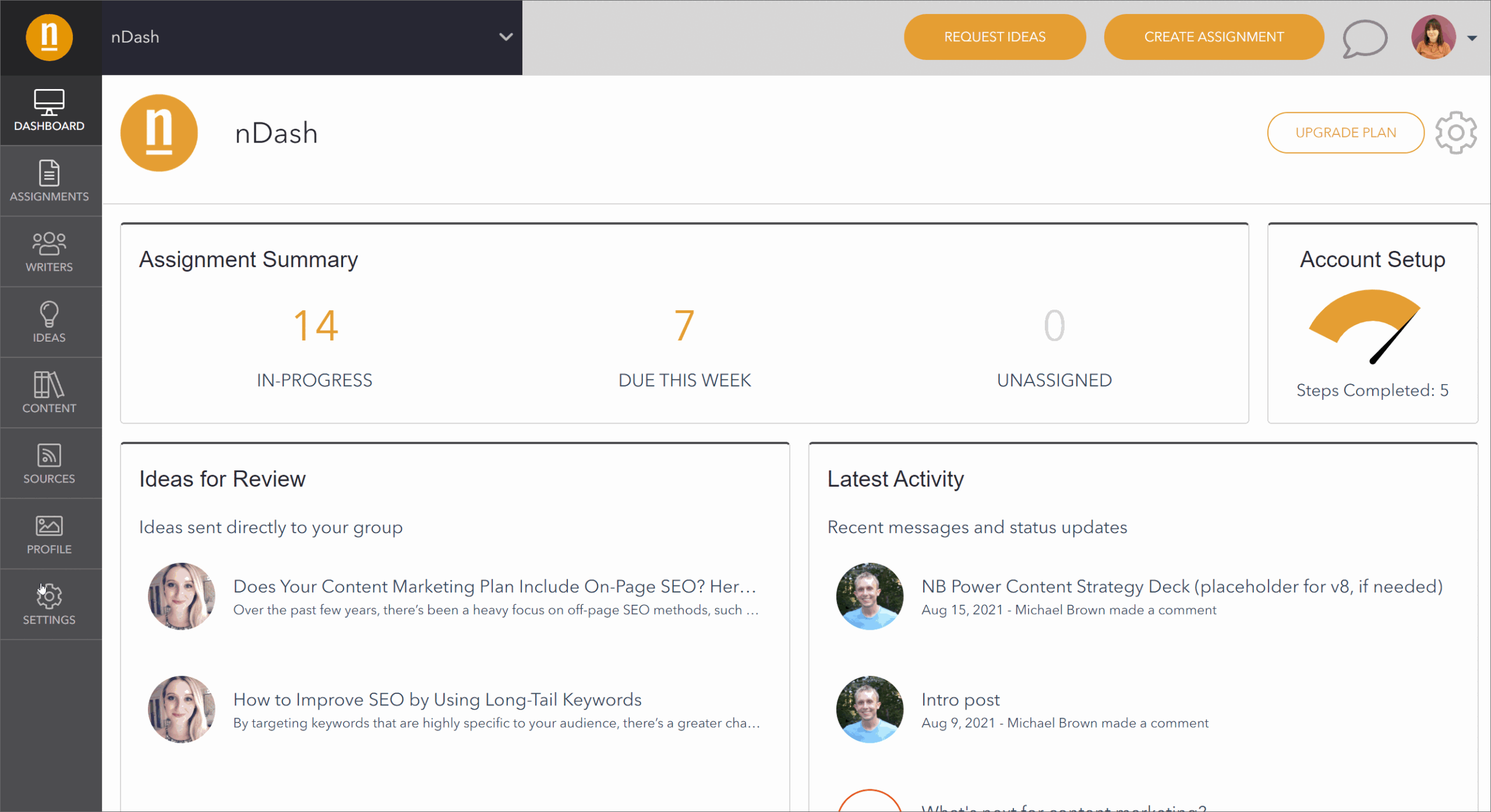
When an Editor or In-House Writer leaves your company, it’s important to revoke their access from nDash. In order to do this, please visit Settings on the bottom left sidebar. On this screen, please click Add or Manage Members. From this page, you’re then able to click Remove for any user no longer associated with your company.
If this user has access to multiple groups, please make sure to revoke their access across all groups (i.e. clicking into and removing them from all groups associated with their account).
Please note: if that user has an assignment in progress with a writer, the assignment will need to be Completed (i.e. payment must be made) before you can delete their login.