
You are able to add as many editors and in-house writers to your nDash account, we do not limit the amount.
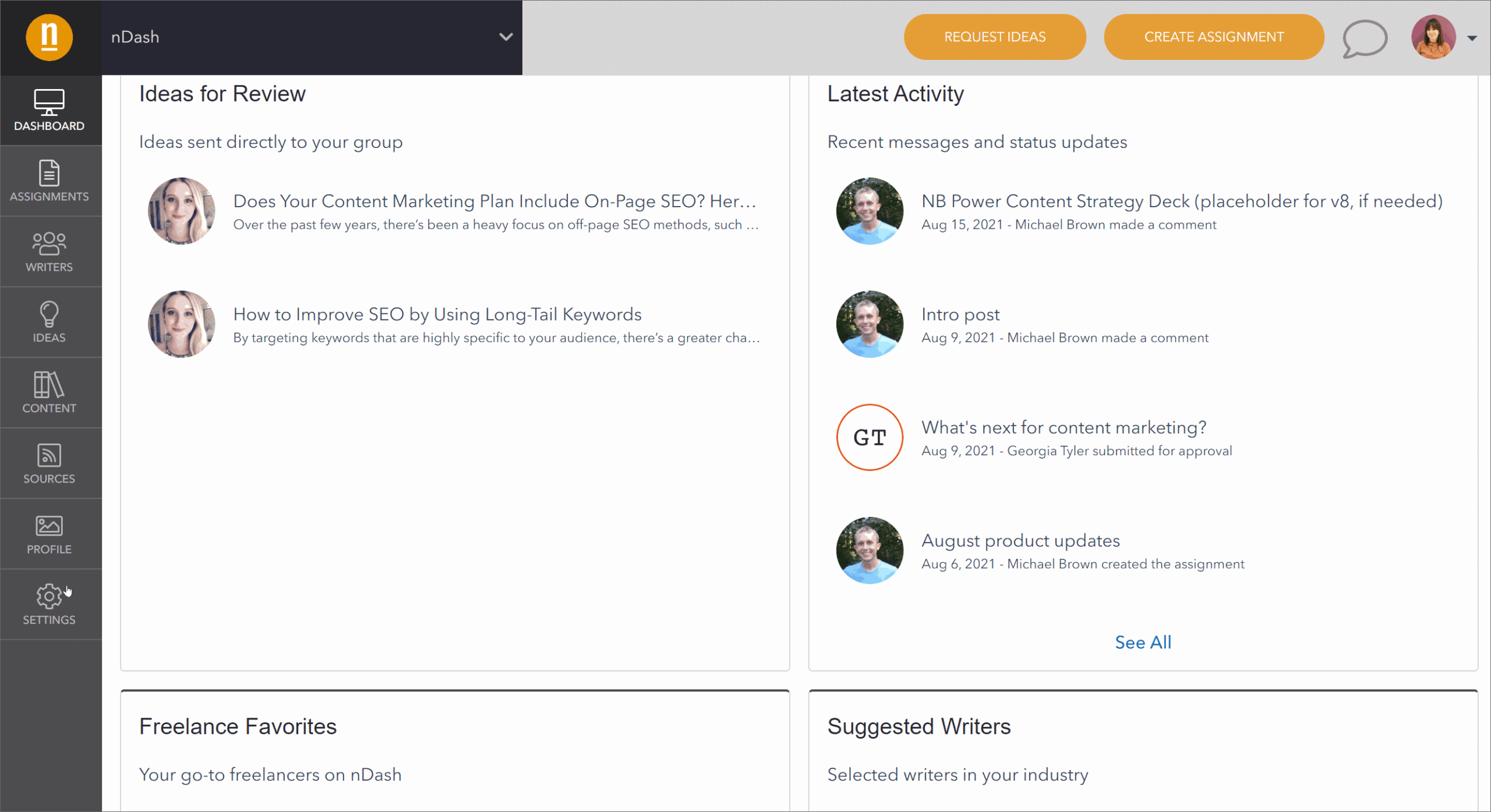
In order to add a user, click Settings on the bottom left of your dashboard. Under Group Members, click Add or Manage Members. Then, click Invite People and add the email addresses of the people you’d like to provide access to. Include a brief note for context if you like. Finally, click Editor or In-House Writer for the email addresses added.
To learn more about group roles on nDash, click here.